

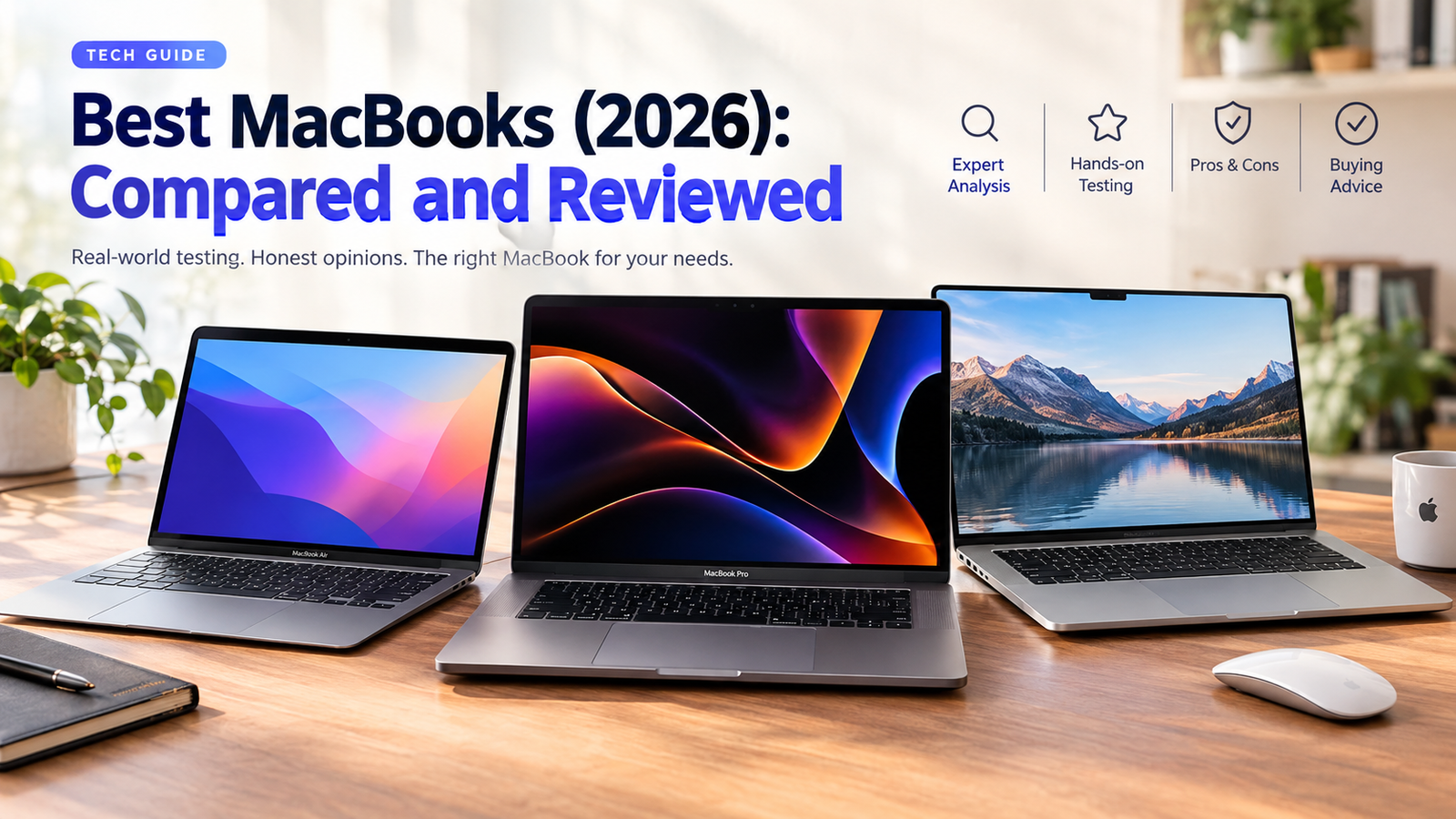
Apple’s laptop range now spans a $699 entry model to workstation-class Pro machines, and prices changed sharply this summer. This guide shows which MacBook fits your work, budget and screen-size needs, and which configuration is worth paying for.
What Changed In 2026 (Read This First)
MacBook Neo Arrives
Apple launched a new entry laptop with an iPhone-class A18 Pro chip, 8GB memory and a 13-inch screen, at $599 originally.
M5 Family Complete
M5 MacBook Air (13 and 15 inch) and M5 Pro/M5 Max MacBook Pro models joined the base 14-inch M5 Pro line-up from October 2025.
Across-The-Board Price Rises
Apple blamed memory and storage costs: Neo to $699, Air to $1,299, and the entry MacBook Pro to $1,999.
M6 Is Not Here Yet
As of October 7, no M6 MacBook has been announced. Reports point to a base 14-inch Pro this fall and an Air around spring 2027 (unconfirmed).
Quick Picks: Best MacBook For Every Need
13-Inch MacBook Air (M5)
The best balance of 16GB base memory, light 2.7 lb body, quiet fanless design and strong everyday speed.
From $1,299
MacBook Neo
The cheapest new Mac. Great for browsing, documents, streaming and classes, with limits on memory and ports.
From $699
MacBook Neo (Or Air For STEM)
Education pricing brings the Neo to $599. Choose the Air if you code, edit video or want it to last beyond graduation.
$599 Edu · $1,299 Air
14-Inch MacBook Pro (M5)
Brighter XDR display, three Thunderbolt ports, HDMI, SD card slot and up to 24-hour rated battery life.
From $1,999
16-Inch MacBook Pro (M5 Pro)
More GPU power, larger workspace and better sustained performance for long exports and multicam timelines.
From about $2,999
MacBook Air (M5) With 24GB
Handles most coding, containers and simulators. Step up to a Pro if you run heavy local AI models or large builds all day.
About $1,599–$1,799 (24GB/1TB)
14-Inch MacBook Pro (M5)
Apple rates it up to 24 hours video playback, the highest in the range. Air models are rated up to 18 hours.
From $1,999
15-Inch MacBook Air (M5)
A 15.3-inch display and bigger speakers without Pro-level weight or price. Choose the 16-inch Pro for demanding creative work.
From $1,499
Best MacBooks Compared
Specs below come from Apple’s published specifications. Battery figures are Apple’s rated video-playback numbers, not our measurements. Prices are U.S. starting prices after the June 25, 2026 increases.
| Model | Chip | Display | Base Memory / Storage | Battery (Apple) | Weight | Starts At | Best For |
|---|---|---|---|---|---|---|---|
| MacBook Neo | A18 Pro | 13.0″ · 2408×1506 · 500 nits | 8GB / 256GB | Up to 16 hrs | 2.7 lb | $699 | Light everyday use, students |
| MacBook Air 13″ (M5) | M5 | 13.6″ · 2560×1664 | 16GB / 512GB | Up to 18 hrs | 2.7 lb | $1,299 | Most people, developers |
| MacBook Air 15″ (M5) | M5 | 15.3″ Liquid Retina | 16GB / 512GB | Up to 18 hrs | About 3.3 lb | $1,499 | Multitasking, big screen |
| MacBook Pro 14″ (M5) | M5 | 14.2″ Liquid Retina XDR | 16GB / 1TB | Up to 24 hrs | About 3.4 lb | $1,999 | Professionals, battery life |
| MacBook Pro 14″/16″ (M5 Pro / M5 Max) | M5 Pro, M5 Max | 14.2″ or 16.2″ XDR | 24GB+ / 1TB+ | Up to 24 hrs (M5 Pro 16″) | About 3.4–4.7 lb | 16″ from about $2,999 | Video, 3D, ML, heavy workloads |
Weights are approximate and vary by configuration; confirm on Apple’s tech specs page. Retailer deals regularly undercut these list prices (see Price section).
How We Evaluated The MacBooks
We believe a buying guide should show its working. This page is built from three evidence layers, and we label which is which so you can judge how much weight to give each claim.
1. Manufacturer Specifications
Chip, display, ports, battery capacity and weight from Apple’s product and tech-spec pages. Treated as claims, not proof of real-world results.
2. Independent Reviews And Benchmarks
Published battery tests, benchmark results and long-term reports from established Apple-focused and general tech outlets, cross-checked where they disagree.
3. Price Tracking
Apple’s list prices plus retailer deal trackers (MacRumors, Macworld, 9to5Mac) for the October 2026 sale period. Prices change daily.
4. Our Hands-On Notes
Where we have personally used a model, we say so in its review. Anything not marked as hands-on is research-based.
What We Score: everyday performance headroom, memory and storage value, display quality, battery life, portability, ports and connectivity, keyboard and speakers, price relative to alternatives, and likely longevity. Limitations: rated battery life depends on workload, and benchmarks do not capture every workflow. Test your own software where compatibility matters.
Individual MacBook Reviews
MacBook Neo (A18 Pro, 8GB)
The Neo is Apple’s cheapest laptop ever, built around the A18 Pro first seen in the iPhone 16 Pro. Independent testing places single-core speed between the M3 and M4, and its graphics score edged past the M1 in one Metal comparison (AppleInsider). It is fanless, weighs the same 2.7 lb as the 13-inch Air, and Tom’s Guide measured about 13.5 hours of battery in its test.
- Lowest Mac price, with $599 education pricing
- Light aluminum body in four colors
- Strong battery life for the price
- 1080p webcam, headphone jack
- 8GB memory is fixed and cannot be upgraded
- One USB 3 port and one USB 2 port; one external 4K 60Hz display
- No backlit keyboard or haptic trackpad (per AppleInsider)
- Smaller, less color-rich screen than the Air
Verdict: Best for browsing, writing, video calls and coursework. Skip it if you keep dozens of tabs plus heavy apps open or want a laptop for 6+ years.
MacBook Air 13-Inch (M5)
The Air keeps its thin, fanless formula, now with the M5 chip and 16GB of memory as standard (up from 8GB on older Airs). The 13.6-inch 2560×1664 display is sharper and more color-accurate than the Neo’s, and a 52.6Wh battery supports Apple’s 18-hour rating. Note that the base price rose to $1,299 in June, so look for discounts: retailers sold the base model for $1,099 during the October sales.
- 16GB base memory
- Quiet, light, great battery
- Fast for everyday and light creative work
- Frequent discounts
- Steep base price after the hike
- No ProMotion or mini-LED display
- Two Thunderbolt ports only
- Throttles under long heavy loads (fanless)
Verdict: The right MacBook for most people. Consider 24GB if you code with containers, edit photos in bulk or keep it for many years.
MacBook Air 15-Inch (M5)
Same chip and memory as the 13-inch model, with a 15.3-inch display, a larger 66.5Wh battery and roomier speakers. It suits spreadsheets, split-screen work and photo editing on the go. It costs $200 more than the 13-inch version at the starting tier.
- Big, comfortable workspace
- Fanless and quiet
- Often discounted ($1,299 at Amazon in October)
- Heavier and less pocketable
- Same display tech as the 13-inch
- A 14-inch Pro offers more for $500 extra
Verdict: Choose it if screen space matters more than the lightest possible laptop.
MacBook Pro 14-Inch (M5)
The entry Pro adds a Liquid Retina XDR mini-LED display, HDMI, an SD card slot, three Thunderbolt ports and Apple’s longest battery rating, up to 24 hours. Apple has not redesigned the Pro this generation; a redesign is reportedly saved for M6.
- Excellent XDR display
- Useful ports without dongles
- Class-leading rated battery
- $1,999 start is a $700 jump over the Air
- Design may change with M6
- Base M5 has fewer GPU cores than Pro/Max chips
Verdict: Worth it for photographers, designers, videographers and anyone who values the display and ports. Others should buy an Air.
MacBook Pro 14″ And 16″ (M5 Pro And M5 Max)
These machines target editors, 3D artists, developers running large models and data scientists. The 16-inch comes only with M5 Pro or M5 Max. October deal prices included $2,299 for a 14-inch M5 Pro (24GB/1TB), $2,749 for a 16-inch M5 Pro (24GB/1TB) and $3,899 for a 16-inch M5 Max (36GB/2TB). M5 Pro and Max add Thunderbolt 5 and support more memory.
- Highest sustained performance
- More memory and GPU cores
- Thunderbolt 5 for fast storage and displays
- Very expensive after June’s $300–$500 rises
- Overkill for office, study and browsing
- M4 Pro/Max owners gain little
Verdict: Buy only if your work is regularly limited by processing power. Time saved should outweigh the premium.
Which MacBook Should You Buy?
MacBook Air Vs. MacBook Pro
| Factor | MacBook Air | MacBook Pro |
|---|---|---|
| Cooling | Fanless, silent, may throttle in long jobs | Active cooling, steady sustained speed |
| Display | Liquid Retina, 60Hz | Liquid Retina XDR mini-LED, brighter HDR |
| Ports | 2 Thunderbolt/USB-C plus MagSafe | 3 Thunderbolt, HDMI, SD card, MagSafe |
| Battery (rated) | Up to 18 hrs | Up to 24 hrs |
| Starting price | $1,299 / $1,499 | $1,999+ |
| Choose if | You want light, quiet and good value | You work with video, RAW photos, 3D or need ports |
Which Chip Do You Need?
| Chip | Suits | Notes |
|---|---|---|
| A18 Pro (Neo) | Web, office, streaming, school | Memory is the real limit, not raw speed |
| M5 | Most professionals and students | Fast enough for coding, photo editing, 1080p–4K light editing |
| M5 Pro | Heavy video, music, development | More cores, more memory options, Thunderbolt 5 |
| M5 Max | 3D, high-res multicam, large AI models | Highest GPU and memory bandwidth, highest cost |
How Much Memory And Storage?
| Your Use | Memory | Storage |
|---|---|---|
| Browsing, documents, streaming | 8GB (Neo) works; 16GB is more comfortable | 256–512GB |
| Students, remote work, light creative | 16GB | 512GB |
| Coding, photo editing, many apps | 24GB | 1TB |
| Video, 3D, local AI models | 32GB+ (Pro/Max) | 1–2TB, plus external SSD |
Buy memory up front: it is soldered and cannot be upgraded later. Storage can be extended with external SSDs, so spend extra on memory first if your budget is tight.
Which Screen Size Is Best?
13-inch (Neo, Air) is best for travel and lap use. 14-inch Pro balances portability and workspace. 15-inch Air gives space without the Pro price. 16-inch Pro suits timelines and design canvases but weighs about 4.7 lb.
Are Older Or Refurbished MacBooks Worth It?
Often yes, because new prices rose. Apple began selling refurbished Neo units on June 26, and last-generation M4 Airs were widely discounted after the M5 launch. Target 16GB memory, a battery in good health and at least 2–3 years of expected macOS support. Be careful with Intel and 8GB models. Check Apple’s refurbished store first because it includes a warranty.
MacBook Performance And Everyday Use
| Task | Neo | Air (M5) | Pro (M5 / Pro / Max) |
|---|---|---|---|
| Office, study, video calls | Great | Great | Overkill |
| Multitasking (20+ tabs, many apps) | Limited by 8GB | Good (16GB), better at 24GB | Excellent |
| Coding and containers | Light projects | Good | Best for large builds and local AI |
| Photo editing | Basic | Good | Best (XDR display) |
| 4K video editing | Not ideal | Short projects | Best, especially M5 Pro/Max |
| External displays | One 4K at 60Hz | Multiple supported (check specs) | Most flexible |
| Gaming | Casual only | Casual and cloud gaming | Best, but Mac library is limited |
Software Check: macOS runs most mainstream apps, but verify any niche engineering, CAD or Windows-only tools before buying.
Price, Value And Ownership
| Model | Before June 25 | Now | Change |
|---|---|---|---|
| MacBook Neo | $599 | $699 | +$100 |
| MacBook Air 13″ | $1,099 | $1,299 | +$200 |
| MacBook Air 15″ | $1,299 | $1,499 | +$200 |
| MacBook Pro 14″ (M5) | $1,699 | $1,999 | +$300 |
- Look for retailer deals: October promotions listed the 13-inch Air at $1,099 and the 15-inch Air at $1,299 (Amazon).
- Education pricing brings the Neo to $599.
- Consider AppleCare: repairs on thin laptops are costly, and memory cannot be added later.
- Wait for M6? Not yet announced for laptops. If you need one now, the M5 Air is a reasonable buy; if you want a Pro redesign, waiting may pay off.
MacBook Pros And Cons
Who Benefits Most
- Long battery life, quiet operation
- Strong resale value and software support
- iPhone, iPad and Apple Watch integration
- Polished trackpads and displays
Who Might Prefer Windows
- PC gamers and Windows-only software users
- Buyers who want upgradeable RAM or storage
- Budget shoppers who need a touchscreen or 2-in-1
- Those needing many ports at a lower price
Frequently Asked Questions
Which MacBook is best for most people?
The 13-inch MacBook Air with M5 and 16GB of memory balances weight, battery life, speed and price better than any other model.
Is the MacBook Neo good enough for college?
For writing, research, browsing and video calls, yes. Engineering, design and video students should consider the Air for its extra memory and graphics headroom.
Is 8GB of memory enough in 2026?
For light use, yes on the Neo, but it cannot be upgraded. If you multitask heavily or keep laptops for years, choose 16GB or more.
Should I buy a MacBook now or wait for M6?
As of early October 2026 Apple has not announced M6 MacBooks. Reports suggest a base 14-inch Pro this fall and an Air in spring 2027, but these are unconfirmed. Buy now if you need one; wait if you want the newest design.
Why did MacBook prices go up?
On June 25, 2026 Apple said soaring memory and storage costs, driven by AI data-center demand, forced the increases.
Is a refurbished MacBook worth it?
Yes, especially from Apple’s refurbished store, which includes a warranty. Check memory, battery health and macOS support length.
Final Verdict
Buy the MacBook Air 13″ (M5) if you want one laptop for almost everything. Choose the MacBook Neo if budget is tight and your work is light. Pick the 15-inch Air for a bigger screen, the 14-inch Pro for display and ports, and the 16-inch M5 Pro or Max only if processing power directly affects your income or deadlines.
MacBook Air Vs. MacBook Pro
Detailed comparison for different workloads.
Best MacBook For Students
Neo vs Air, with education pricing.
Best MacBook For Programming
Memory, chip and storage advice.
MacBook Buying Guide
Choose memory, storage and warranty.
Need Help Choosing?
Tell us your budget and main apps in the comments, and we will suggest a model and configuration. Subscribe for updates when Apple changes prices or launches M6 MacBooks.
Disclosure: We may earn a commission when you buy through links on this page, at no extra cost to you. As an Amazon Associate we earn from qualifying purchases. Editorial opinions are our own.
Sources And Last Verified
Apple MacBook product and tech-spec pages; MacRumors (June 25, 2026 price increase; October 6 and 7 deals); 9to5Mac (June 25 price list); Macworld (MacBook Neo and Air specifications; October deals); AppleInsider (MacBook Neo review notes); EveryMac (Neo specifications); Tom’s Guide (Neo battery test). Prices and availability change; verify before purchase. Last verified: October 9, 2026.