

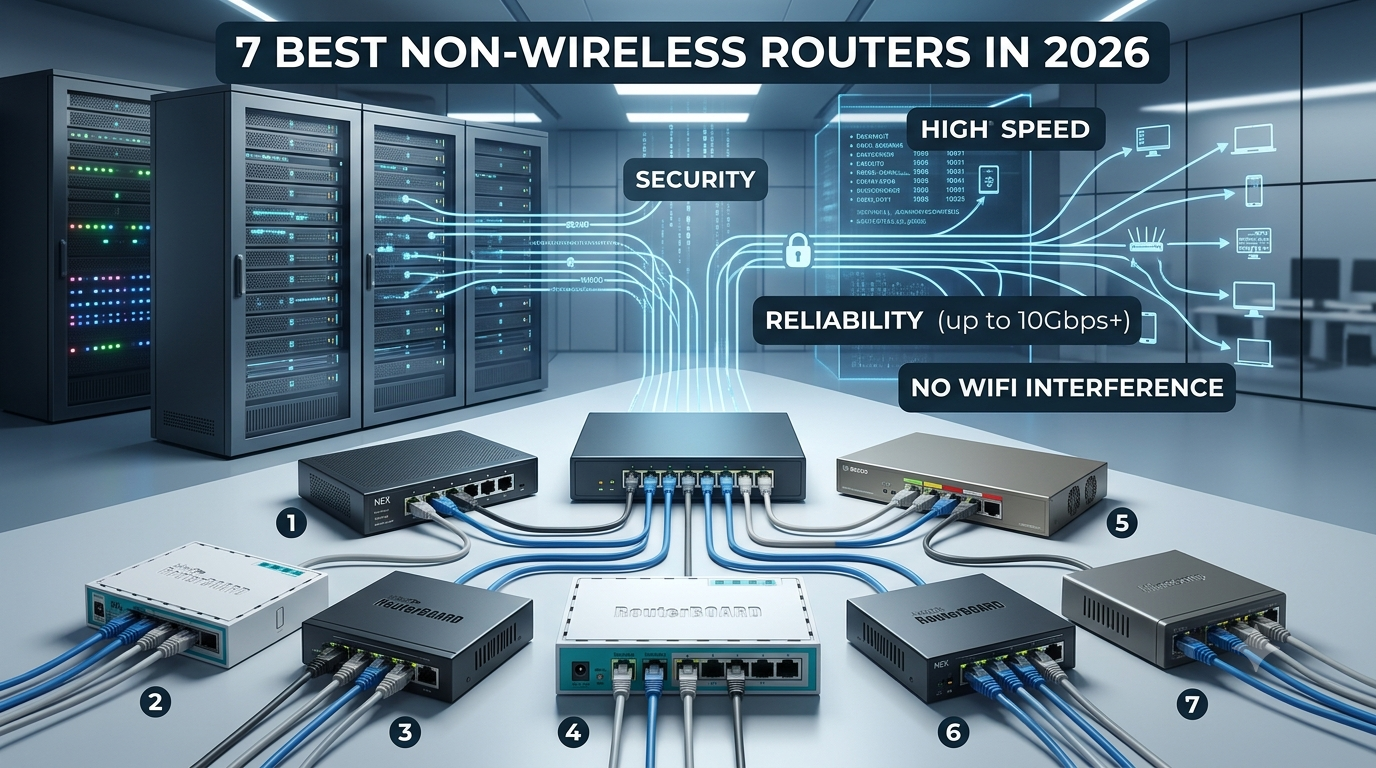
7 Best Non-Wireless Routers in 2026
Wi-Fi is convenient, but it isn't always the best choice for every network. If you want consistent speeds, lower latency, and more control, a non-wireless router can be a better fit. Also called a wired router or Ethernet router, it sends network traffic through physical Ethernet connections instead of broadcasting Wi-Fi.
From gaming and remote work to offices, security systems, and home labs, wired-only networking can be a smart choice when performance and reliability matter. In this guide, we’ll look at the 7 best non-wireless routers in 2026 and help you find the right option for your setup.
What is a Non- Wireless Router?
A non-wireless router connects your modem to computers, switches, printers, and other devices through Ethernet cables. Unlike a Wi-Fi router, a wired router has no built-in wireless antennas, focusing instead on routing, NAT, firewall protection, and network management. An Ethernet router can also connect to separate wireless access points, giving you reliable wired performance with flexible Wi-Fi coverage. For anyone searching for the best wired router, this setup is ideal for gaming, home labs, offices, and high-performance networks.
Why Choose a Router Without WiFi?
Better Wired Performance
A wired router is designed to handle network traffic over Ethernet, delivering fast and consistent connections without relying on wireless signals. This makes wired routers a strong choice for gaming PCs, desktops, NAS devices, and workstations that need reliable, low-latency performance.
Greater Network Control
An Ethernet router gives you greater control over how your network operates. Many models support features such as VLANs, firewall rules, VPNs, and Quality of Service (QoS), allowing you to manage traffic and prioritize important devices or applications.
Reduced Wireless Interference
A router non wireless setup keeps routing separate from Wi-Fi transmission. Instead of relying on an all-in-one device, you can use dedicated access points to manage wireless coverage. This gives you more flexibility over where and how Wi-Fi is distributed throughout your home or office.
Better Security and Network Segmentation
A non-wireless router can work with managed switches and separate access points to create different network segments. For example, you can place smart home devices, guest users, and personal computers on separate networks while using firewall rules to control access between them.
Ideal for Custom Network Setups
A wired setup provides a flexible foundation for home labs, gaming networks, offices, and small businesses. You can upgrade access points separately as Wi-Fi technology evolves instead of replacing the entire network. This makes a best wired router a practical long-term choice for users who want more control and scalability. If you're looking for a best non wireless router or a non wireless router best buy, consider your Ethernet speeds, port requirements, security features, and future networking needs.
7 Best Non-Wireless Routers in 2026
Ubiquiti UniFi Cloud Gateway/ Dream Machine Pro
Best for: Advanced home users, homelabs, and small businesses.
- Advanced network and traffic management
- Strong firewall and security features
- Excellent UniFi ecosystem
- Supports multiple dedicated access points
- Scalable for growing networks
- Higher price than basic wired routers
- Steeper learning curve
- Separate Wi-Fi access points required
Ubiquiti EdgeRouter X
Best for: Budget-conscious users who want advanced network controls.
- Affordable and compact
- Five Gigabit Ethernet ports
- Advanced routing and firewall controls
- Supports VLANs and QoS
- Reliable wired performance
- Older hardware platform
- Configuration can be complex for beginners
- No built-in Wi-Fi
MikroTik hEX (RB750Gr3)
Best for: Tech enthusiasts, homelabs, and experienced network users.
- Five Gigabit Ethernet ports
- Powerful RouterOS features
- Flexible firewall and routing controls
- Supports VLANs and VPNs
- Excellent value for advanced users
- Steeper learning curve
- Interface may feel complicated
- No built-in Wi-Fi
MikroTik RB5009UG+S+IN
Best for: High-speed networks, homelabs, and power users.
- 10G SFP+ connectivity
- 2.5G Ethernet support
- Multiple high-speed ports
- Powerful RouterOS management
- Built for demanding network workloads
- More expensive than entry-level wired routers
- Advanced setup may overwhelm beginners
- No built-in Wi-Fi
TP-Link ER605 (TL-R605)
Best for: Small offices and budget-conscious users who need reliable Gigabit networking.
- Hardware-based VPN support
- Load-balancing capabilities
- Dedicated Gigabit WAN/LAN ports
- Multiple ports for wired devices
- Compact and cost-effective
- Limited to Gigabit speeds
- Advanced features may require some network knowledge
- No built-in Wi-Fi
GL.iNet GL-MT6000 Flint 2
Best for: Users who want powerful wired networking with optional Wi-Fi.
- Fast multi-gig Ethernet
- Powerful hardware
- Advanced firmware controls
- Strong VPN support
- Wi-Fi can be disabled for a wired setup
- Not a strictly non-wireless router
- Built-in Wi-Fi may be unnecessary for some users
- Advanced features require configuration
Cisco RV340
Best for: Small offices and businesses needing secure, reliable wired networking.
- Dual-WAN support
- Gigabit Ethernet connectivity
- Business-focused security features
- VPN support
- Designed for reliable wired networks
- Business-oriented setup can be complex
- Older platform
- No built-in Wi-Fi
How to Choose the Non-Wireless Router to Buy?
| Factor | What to Look For | Why It Matters |
|---|---|---|
| Internet Speed | 1Gbps, 2.5Gbps, 5Gbps, or 10Gbps | Choose a router that can handle your internet plan without becoming a performance bottleneck. |
| Ethernet Ports | Enough ports for PCs, smart TVs, NAS devices, gaming consoles, servers, switches, and access points | More ports let you connect more wired devices without immediately needing an additional switch. |
| Multi-Gigabit Ethernet | 2.5GbE, 5GbE, or 10GbE ports | Essential for high-speed internet plans, large file transfers, NAS systems, and high-performance home networks. |
| Firewall Features | Stateful firewall, VLANs, network segmentation, and intrusion prevention where supported | Helps protect your network and control which devices can communicate with each other. |
| VPN Support | VPN server, VPN client, remote access, and site-to-site VPN | Useful for secure remote connections, privacy, and connecting multiple locations. |
| Management Software | Simple interfaces or advanced platforms such as RouterOS, UniFi, pfSense, or OPNsense | Advanced management tools give you greater control over traffic, security, connected devices, and network settings. |
How to Set Up a Non-Wireless Router
Connect Your Modem/ONT
Connect your modem or ONT to its power source and wait until the status lights indicate an active internet connection.
Connect the Router's WAN Port
Connect an Ethernet cable from the modem or ONT to the WAN/Internet port on your wired router. Then connect the router to power and turn it on.
Connect an Ethernet Switch
If you need additional wired connections, connect a LAN port on the router wired setup to an Ethernet switch. This gives you extra ports for computers, consoles, TVs, servers, and other devices.
Connect Wired Devices
Use Ethernet cables to connect your PCs, gaming consoles, smart TVs, NAS devices, or other hardware to the router or switch. Check the port lights to confirm the connections are active.
Add Separate Wi-Fi Access Points
Want Wi-Fi without replacing your non-wireless router? Connect a separate access point to the router or Ethernet switch. Configure it in AP mode so your main router manages IP addresses.
Configure Security Settings
Access your router's management interface, update its firmware, change the default administrator credentials, and configure firewall and other security settings. For a best non-wireless router, take advantage of features such as VLANs, VPNs, and network segmentation where available.
Test Your Network
Connect your devices and check internet access, connection speeds, and network stability. Make sure the modem, Ethernet router, and switch show active connections.
Are Wired Routers More Secure Than WiFi Routers?
A non-wireless router has a security advantage because it does not broadcast wireless signals that nearby attackers can detect or target. With a wired router, data travels through physical Ethernet cables, making remote wireless interception more difficult. However, choosing the best wired router does not automatically make your network secure.
Why Wired Routers Have an Advantage
A router wired for Ethernet-only connections has no Wi-Fi network name or wireless signal to expose. An attacker would generally need physical access to the network or an existing connection to attempt access. This makes an Ethernet router a practical choice for users who want to reduce their wireless attack surface.
Security Still Depends on Your Setup
Adding a wireless access point to a non-wireless router brings Wi-Fi security considerations back into the network. Regular firmware updates, strong administrator passwords, firewall settings, and secure access controls are still essential. Likewise, a router that is non-wireless cannot protect your network from malware that enters through a connected computer or other device.
Final Thoughts
A non-wireless router can be a smart choice if you value reliable connections, low latency, and greater control over your network. From budget-friendly options to powerful multi-gigabit wired routers, there’s a solution for different home, gaming, homelab, and business needs.
The right Ethernet router ultimately depends on your internet speed, connected devices, security requirements, and network goals. Whether you need the best wired router for everyday performance or an advanced setup with separate access points, choosing the right router can give your network a faster, more stable, and scalable foundation.
Frequently Asked Questions
Do wired routers need a modem?
Yes, wired routers need a modem to connect multiple devices to the network.
What is the best wired router for home use?
The best wired router for home use is the MikroTik hEX (RB750Gr3).
Are wired routers faster than wireless routers?
Wired routers are generally faster than wireless routers as they are more stable and consistent.
Can I use a non-wireless router for gaming?
Yes, you can use a non-wireless router for gaming.
What is the most reliable router brand?
TP-Link is one of the most reliable router brands.
How often should you replace your router?
A router should be replaced in an interval of three to five years.